What to Do If Your Laptop's Motherboard Gets Wet: Dealing with Water Damage and Water Spills on Your Wet Motherboard
Water damage can be devastating to any computer, resulting in expensive repairs or the loss of data forever. If you have ever spilled even a single drop of water or soda on your keyboard, you may wonder: Is a wet motherboard fixable? This comprehensive guide even covers: the science of water damage in the PC, PC water damage symptoms, critical immediate actions, professional repair approaches, and long-term prevent water tips – all focused on the one important question: “Can you fix it, or do you have to replace the motherboard completely?”
Table of Contents
ToggleImportance of Discharging a Capacitor for Safety
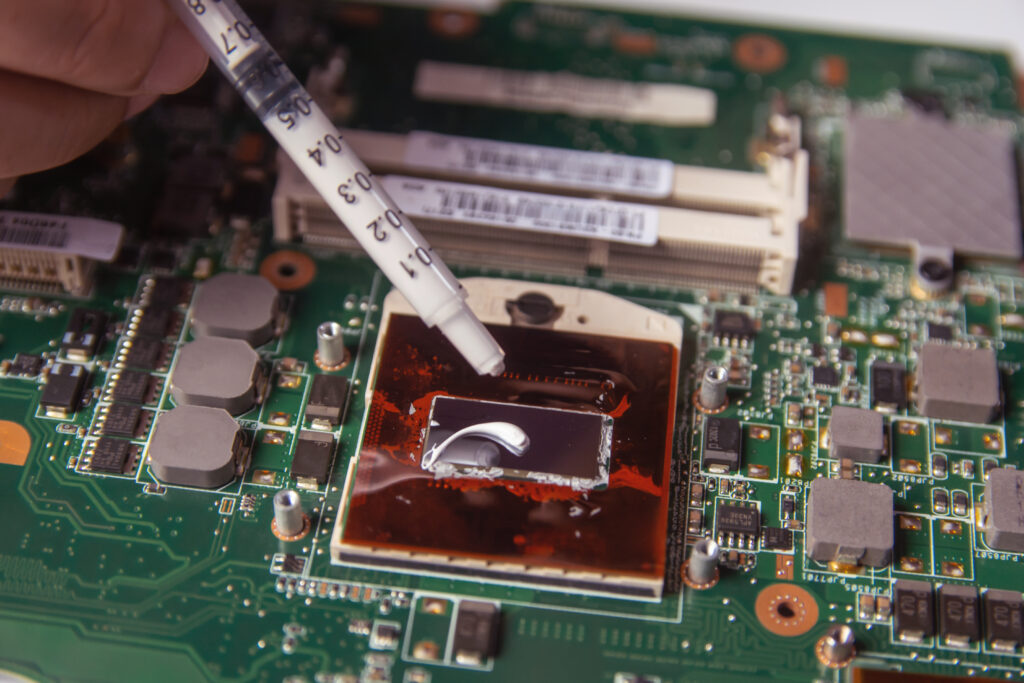
The motherboard is essentially the heart of your PC, pushing electrons flowing through all of the essential parts and electronic components. Even a drip or drop of water can cause interference, sometimes enough to outright destroy the circuit board. Desktop PC makers also caution that water damage is the second biggest cause of motherboard failure after power surges and overheating.
You should be aware of the fact that even a tiny quantity of water can rust the delicate traces, resulting in difficult-to-fix damage to PC circuit boards. Virtually every part of your computer is vulnerable to water damage from humidity or spills. Whether it was water dripping near the power source, soda on the keyboard, or a major spill, this guide will help you limit the damage, take a look inside, and maybe you won’t have to replace the board after all.
How Does a Motherboard Get Wet?
Common Causes
- Spillageof any liquid (water, coffee, sugary liquid, soda, etc.) is the number one culprit. A single drop of water on a powered motherboard can lead to severe damage.
- Bad weather, leaks, or condensationin humid environments.
- Accidental drips from air conditioning units or drinks placed too close to your PC.
How Water Drops Reach the Motherboard
- Liquid can travel through cracks, screw holes, the spaces around nuts and bolts, and gaps between the keyboard and mouse.
- A drop of water can follow internal cables or ribbon connectors until it settles on areas on the motherboardthat are particularly vulnerable, like the VRM section or RAM slots.
- Many laptops use technology to detect water dropsinternally, via smart water-detection stickers that change color when wet.
Why Does a Motherboard Get Damaged by Water?
Water can do significant damage to a complex circuit board — far more than what you see on the outside. That’s because water is a good conductor when it has electrolytes (salts, minerals, acids from soda/juice), making electrons jump where they aren’t supposed to. A single drop infiltrating the device can:
- Short-circuit essential partslike the CPU, GPU, and storage controller.
- Leave an electrolyte residue, which attracts further corrosion over time in less than dry conditions.
- Break down the partsby chemically reacting with metals.
- Result in slow, hidden damage in the PC circuit that might only become apparent much later.
Computer Water Damage Symptoms & Areas on the Motherboard
Recognizing signs of damage due to water is vital for a quick response.
Typical Computer Water Damage Symptoms:
- Device won’t turn on or displays intermittent boot issues.
- Flickering screen, strange noises, or random reboots.
- Physical evidence: liquid has drippedinside, sticky keys, unresponsive keyboard and mouse.
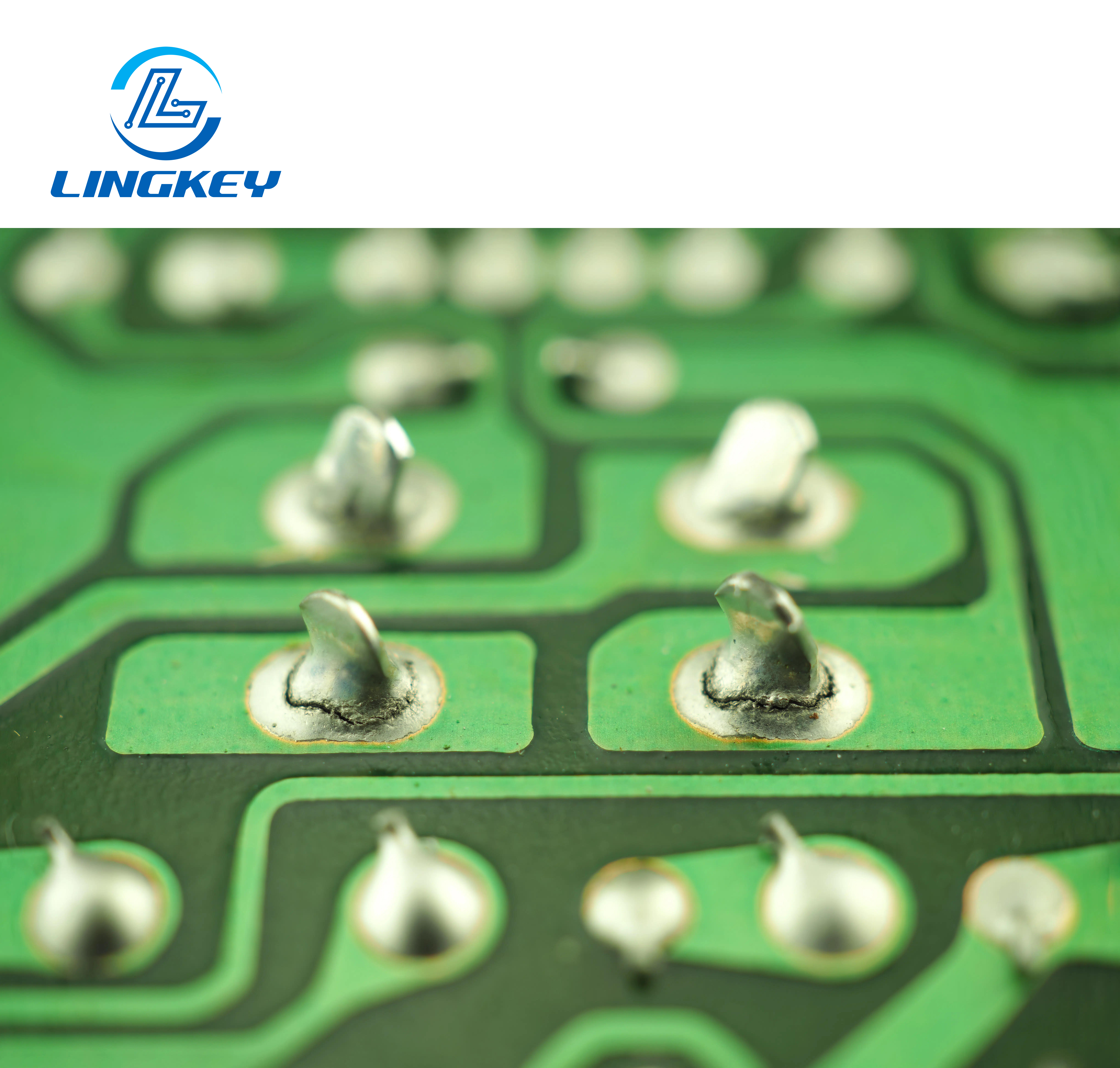
- Rust, residue, or green/white corrosion on the PCB and the exposed connectors.
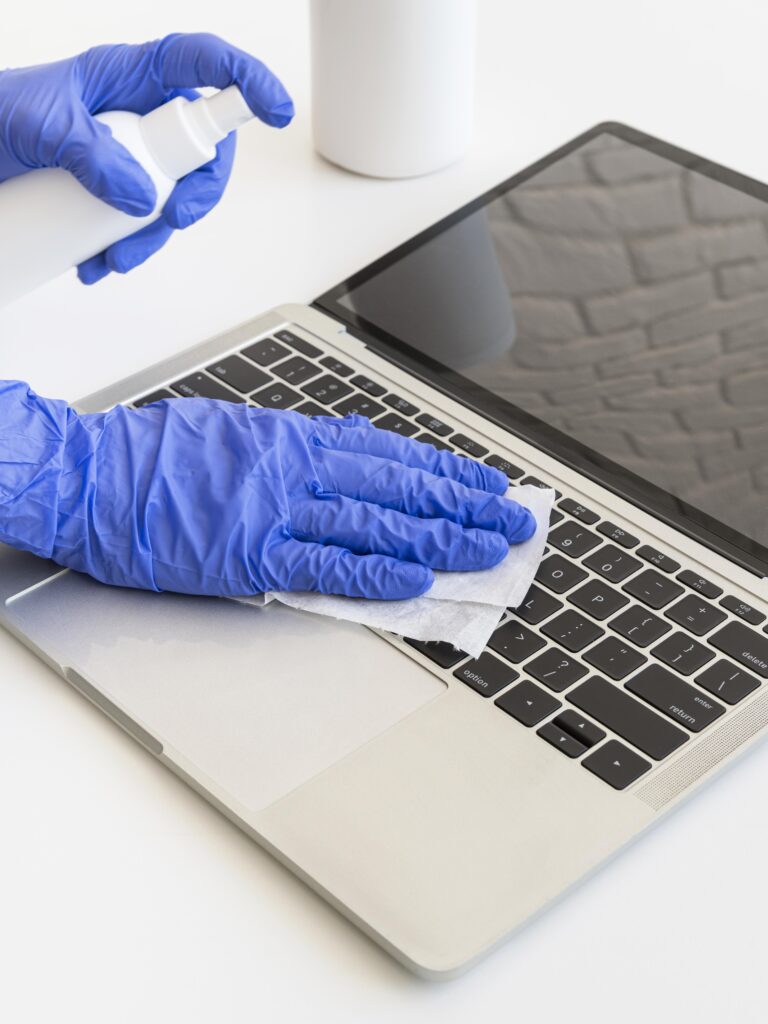
Examine the motherboard by gently removing outer components like the keyboard, mouse, and any accessible cables; check for fluid pooling or residue around chips or solder joints. Concentrate on especially on :
- VRM/memory areas
- CPU socket and chipset
- Power source connectors
- Edges near USB, HDMI, or audio ports
Table: Water Exposure—Key Vulnerable Areas
Key Area | Why It’s Vulnerable | Repair Likelihood |
Power connectors | Direct current, can short easily | Medium |
RAM slots | Many exposed contacts | Medium |
CPU socket | Dense pin grid, hard to clean | Low |
Peripheral ports | Often hard to spot corrosion here | Medium |
Storage connectors | Frequent electrolyte buildup | Medium |
What Should Be Done Immediately After a Water Spill?
When you observe water droplets or spillage, you have to immediately :
- Turn off the computer switch and unplugfrom the wall or power strip to remove the power source.
- Detach the keyboard and mouse(especially for laptops, if possible). For desktops, detach all cables and USB peripherals.
- Carefully detachany removable panels or covers on your laptop and take out the battery as instructed by your user manual.
- Quickly wipeexposed surfaces with a microfiber or dry cloth. Use a dry towel—never a wet one—paying close attention to areas where water can cause damage in the pc circuit.
- Invert or tilt the deviceso any remaining drops drip out (use gravity to help dry the water).
- Do not use a hair dryer to dry electronicsdirectly, as forced hot air can blow water into hard-to-reach spots or deform plastic.
- Do not press the power button or attempt to use exterior components until you are sure all parts are bone dry.
How to Fix a Wet Motherboard
Drying Methods & Disassembly
- If you have the right tools (a screwdriver) pop open the case and look the mobo over for droplets of water and obvious damage.
- Detach any removable cards, RAM, and cables from the motherboard to disassemble the components allows for better airflow.
- Use a dry, clean microfiber cloth to dry around the affected area; pat, don’t rub.
- Place the circuit board in a clean, dry environment. A fan on “low” can help, but never use a hair dryer or oven.
- Allow to dry in the air for 24 to 48 hours in a dry environment.
Thorough Cleaning and Inspection
- For spillage of sticky or sweet liquids, dip the soiled parts in distilled water shortly (do not use tap water – chlorine can corrode).
- Following the rinse, clean any remaining residue with 90%+ isopropyl alcohol and ensure the surface is dry with rapid evaporation.
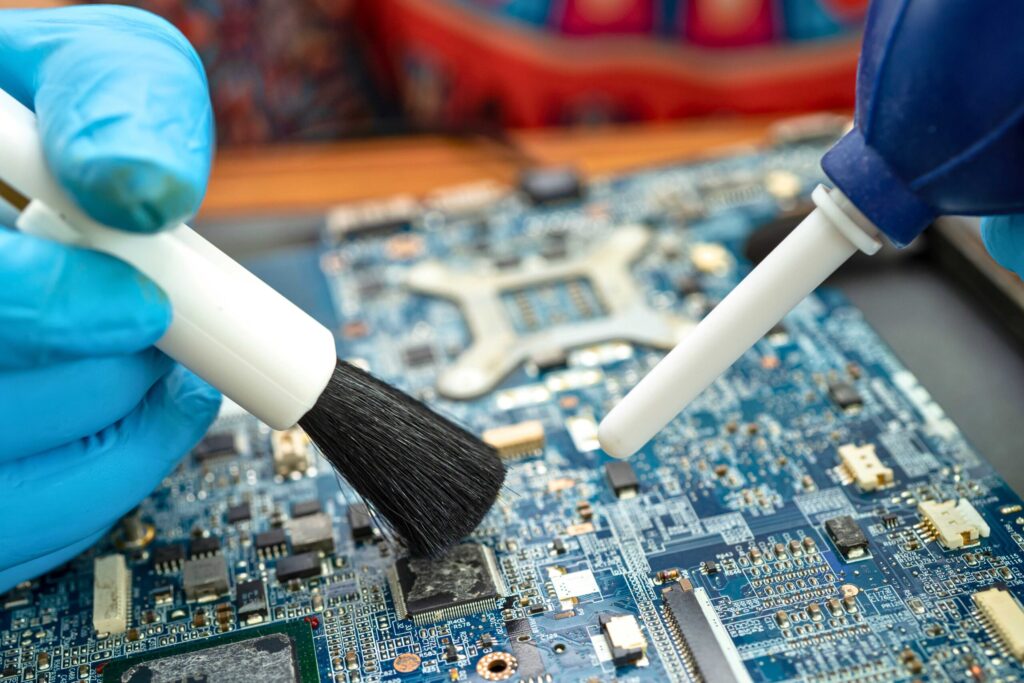
- Using a soft toothbrush, gently brush away any dried-on residue.
- Check the main PcBs for signs of corrosion or darkening. Look inside; examine connectors and corners.
- Reassemble and test after you are sure it is completely dry.
Can a Water-Damaged Motherboard Be Repaired?
Fixing a wet motherboard is doable, especially if you get on it in a hurry.Here’s how to assess your situation :
Repairability Table
Damage Situation | DIY Repairable? | Pro Repairable? |
Minimal clean water, quick dry | Yes | Very Likely |
Coffee/tea, sticky or sugary liquid | Sometimes (with thorough cleaning) | Likely (needs deep cleaning and inspection) |
Salt water or significant corrosion | Rarely | Possible, but not guaranteed |
Visible burned/destroyed areas | No | Sometimes (micro-soldering, advanced tools) |
Water left for more than 24 hours | Unlikely | Low chance (corrosion, multiple faults) |
DIY vs Professional Help
DIY: If you act fast, use the proper methods to dry the liquid, and don’t detect any signs of damage or corrosion then your PC may not need to be replaced. In the case of many desktop and laptop repairs, all you need are a few household tools (a screwdriver, a microfiber cloth, some distilled water and isopropyl alcohol) – and a little patience. Always make sure to read your user manual for disassembly instructions and power safety notices.
Professional Repair: Seek help from a qualified technician if:
- Your computer still won’t turn on after careful cleaning and drying.
- You see any corrosion on core PC circuit boards.
- The spillage included sugary liquid, salt water, or large amounts of water.
- You suspect severe damage or do not feel comfortable breaking down the parts.
Professional repair shops often have ultrasonic baths, micro-soldering tools, and artificial intelligence-based diagnostics that can find invisible damage or moisture. In many instances, they can restore it to working condition after major water exposure.
Prevent Water Damage to Your Computer
Prevention is always easier and more cost-effective than repair. Here’s how to effectively prevent water exposure and its consequences:
- Keep drinks and liquids awayfrom your device area; one careless movement can send a drop of water straight onto your essential parts.
- Cable management:Make sure water can’t follow cables into laptop or desktop cases; secure all exterior components.
- Elevate your deviceoff the floor and away from potential drip sources, such as AC units or windows.
- Regularly inspecthigh-risk areas on the motherboard and check water-detection stickers if your laptop has them.
- Use water-resistant keyboard coversand, for added safety, a laptop sleeve during transport.
- If operating in a humid area, use a dehumidifier to maintain dry conditions inside your workspace.
- Back up your data regularly—sometimes motherboard water damage can occur despite all precautions.
Frequently Asked Questions
What should I do first if I see liquid dripping into my computer?
Can a damaged motherboard be fixed if only a small amount of water was spilled?
Is it safe to use a hair dryer to dry the motherboard?
How quickly does damage in the PC circuit occur due to water?
Conclusion: Should You Try to Repair a Wet Motherboard?
Motherboard water damage is a big trouble, and even a single drop of water contains electrolytes that could corrode the electronic circuits or cause an electric short. Most devices are salvageable after water damage if you take the right steps for emergency, drying and inspection/repair. To be sure, if the damage is extensive or there is evidence of continuing corrosion, send it in for professional service.
Key Recommendations:
- Always turn off the equipment and unplug it from the power source at once.
- Remove all peripherals and external parts before drying.
- Dry completely and clean, check the board for any traces of water damage, and reassemble only in a real dry environment.
- Manage external risks, prevent liquids from getting near your computer, and watch for signs of water damage to the computer.
A motherboard that has gotten wet is not necessarily a write-off—only prompt action, meticulous cleaning, and on occasion professional help will restore it to working condition.