Ultimate Guide: Mechanical Keyboard PCB & Solder Tips
Introduction
Welcome to our comprehensive Mechanical Keyboard PCBs guide! With the increasing need for tactile feel, long-lasting build quality and customization, PCB technology is something that first-time builders and veteran enthusiasts alike should be familiar with. Whether you’re tweaking the design and layout of the specialized keyboard you’re working on or deciding between a soldered and hot-swap PCB for day-to-day typing or gaming, this guide has the technical depth you need with plain enough explanations to make sense of it all. Think of every mechanical keyboard’s PCB as its own heart. It must be designed to a high standard, such that the entire keyboard provides consistent tactile feedback, excellent signal integrity and real customisation.
What Is a Mechanical Keyboard PCB?
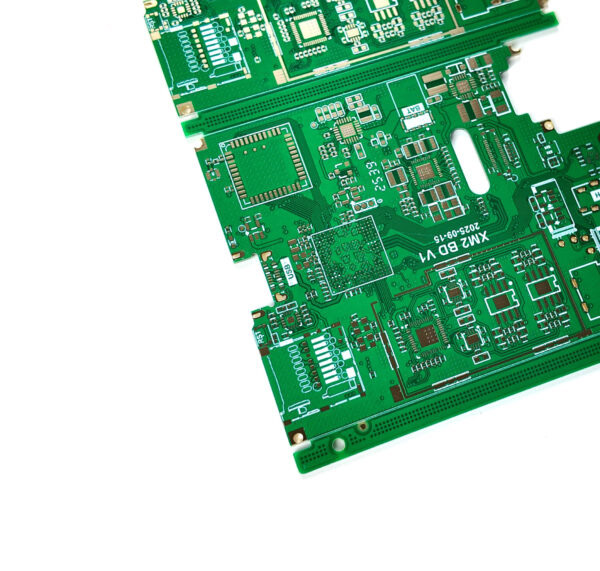
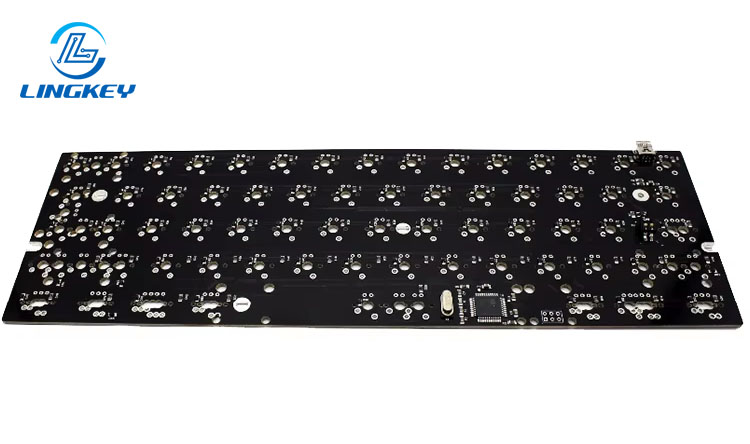
The Mechanical Keyboard PCB is the indispensable electronic part which lies at the heart of every mechanical keyboard. Although membrane keyboards contain pressure pads, mechanical keyboards depend on PCBs to accurately detect key presses using rows and columns of circuit traces.
Key Features:
- PCB determinesthe layout, firmware support, and total customization potential.
- Constructed using advanced manufacturing processes, with premium models using thick FR4 fiberglassand advanced copper layers for improved signal integrity.
- Connects all switches, diodes, resistors, and the microcontroller—forming the advanced circuit that enables features like RGB lighting, macros, and programmability.
Custom PCB layouts from leading keyboard makers have special features that are truly one-of-a-kind for highly specialized keyboards, but the vast majority of modern PCBs are designed with a focus on universal compatibility and open-source programmability.
As a professional PCB and PCBA manufacturer, LingKey also offers custom mechanical keyboard PCB manufacturing with high precision routing, stable copper thickness control and signal integrity optimization for RGB and programmable layouts.
Understanding PCB Fundamentals in Mechanical Keyboards
The Evolution of Keyboard PCBs
Contemporary PCBs changed everything in the keyboard world. Unlike liquid membrane keyboards, a mechanical keyboard PCB allows each key to be precisely electrically mapped using a matrix layout – consisting of the keys arranged into connected rows and columns.
Fundamental Functions of a Keyboard PCB:
- Serves as the mounting and connection point for key switches (tactile, linear, clicky).
- Accommodates both 3-pinand 5-pin switches, depending on layout and design.
- Integrates with a microcontroller, diodes, resistors, and capacitors for complete assembly and seamless operation.
A good PCB design should have a good balance of signal integrity and robustness with a little bit of flexibility to enable it to provide features like per-key RGB or programmable macros.
The engineering team of LingKey is always assisting customers on dentifying the best matrix routing, diode selection, and noise free signal paths to deliver professional key response with full compatibility of key response and firmware.
How Does a Mechanical Keyboard PCB Work?
Understanding PCB circuitry is essential for both assembly and troubleshooting.
Signal Transmission and Matrix Circuit
Every keypress closes a switch in the matrix at a particular row and column which is precisely identified allowing correct scanning even on fast inputs such as in gaming or typing very fast.
Core Steps:
- Switch interaction:Keystroke activates the switch; mechanical keyboard PCBs may support both 3-pin and 5-pin switches.
- Signal transmission:Closing the switch sends current through a matrix of traces.
- Microcontroller processing:Advanced chips (sometimes proprietary) translate signals and apply programmed actions via QMK or VIA firmware.
- Feedback loop:PCB returns tactile or visual feedback (e.g. RGB lighting).
Key Technical Features of Mechanical Keyboard PCBs
Proper PCB design must address both enthusiast demands and general usability. Here are the features distinguishing modern mechanical keyboard PCBs:
- PCB Thickness:Standard is 1.2mm or 1.5mm; enhanced rigidity aids stability and minimizes flex.
- Copper Thickness:Heavier copper enhances signal integrity and improves switch response.
- PCB Layers:Single-layer for basic builds; multi-layer for advanced lighting and functional isolation.
- Mounting Style:Plate-mounted vs. PCB-mounted switches affect acoustics and feel; choose for case design and customization options.
- Programmability:Support for QMK and VIA firmware unlocks full remapping, macros, and lighting control.
- Antighosting:Integrated diodes prevent erroneous keypresses when multiple keys are pressed—essential for gaming.
- RGB and LEDs:Modern PCBs often include advanced lighting channels for both underglow and per-key effects.
Among the high-end PCB producers such as LingKey, those features are further improved with tight impedance control, advanced copper etching precision and switch reliability testing to guarantee uniform switch operation.
Types of Mechanical Keyboard PCBs: Table Comparison
Find the best fit for your project or typing style with this quick-reference table:
Type | Soldering Needed | Hot-Swap Sockets | Layout Option | Best for |
Soldered PCB | Yes | No | Any | Long-term, stable builds |
Hot-Swap PCB | No | Yes | Most modern layouts | Easy switch changes |
Flexible PCB | Yes | No | Thin/specialized | Laptops, flexible cases |
RGB/Gaming PCB | Varies | Often Yes | Standard/proprietary | RGB, gaming keyboards |
Wireless PCB | Not always | Yes | Compact–Full-size | Multi-device switching |
Custom PCB (proprietary) | Varies | Varies | Unique/specialized | Special features/projects |
Hot-Swap PCB vs. Soldered PCB: In-Depth Comparison
Feature | Hot-Swap PCB | Soldered PCB |
Switch changes | Tool-free | Soldering needed |
Customization options | Extreme | High (with work) |
Durability | Limited by sockets | Longer lifespan |
Assembly | Beginner friendly | Enthusiast/Expert |
Cost | Generally higher | More affordable |
Best for | Versatility | Firmness & longevity |
Mechanical Keyboard PCB Layouts and Design
The circuit board design and layout of mechanical keyboard owns your every key stroke. Mechanical keyboard PCBs can be based on standard layouts, or on custom or proprietary designs.
Common layouts include:
- 60% keyboard PCB: Ultra-compact, no function row.
- 65% keyboard PCB: Arrow keys included.
- 75% keyboard PCB: High-density, minimal wasted space.
- Tenkeyless (TKL) keyboard: Full navigation, no numpad.
- Full-size keyboard: Complete, including numpad.
- Rows and columns: Form the matrix layout, which is the organizational strategy behind assigning keys’ positions and functions.
How to Choose the Best Mechanical Keyboard PCB
- Case design compatibility:Match PCB size and mounting holes to your keyboard case.
- Supported switches:Ensure it can use 3-pin or 5-pin switches as needed.
- Firmware:Choose QMK/VIA for the best programmability.
- Advanced circuit features:Try to get hold of modern multi-layer PCBs for better signal integrity and for custom lighting.
- Manufacturing processes:Purchase from trusted brands to ensure build quality and programmer support.
Having compatibility, switch support, and firmware readiness fully verified before production with a trusted PCB manufacturer like LingKey will make sure everything is covered.
Installation , Replacement, and Maintenance
The process of installing or swapping out a mechanical keyboard PCB may seem intimidating but with a little knowledge of PCB assembly it’s a lot easier to get through. Here is a detailed breakdown of the full build process, and a guide to maintenance and care.
Installation Steps:
- Disassemble your keyboard: Remove keycaps, switches, and unscrew the case.
- Mount the PCB: Position the PCB relative to the case and plate (if applicable) in the same orientation with the stabilizer points.
- Switch Installation:
- For hot-swap PCBs: Push key switches firmly into the sockets (you can use 3-pin or 5-pin switches depending on PCB support).
- For soldered PCBs: Carefully insert switches then solder all pins on the reverse side for each key position.
- Add stabilizers: Use plate-mounted or PCB-mounted stabilizers on full-sized keys (Shift, Space, Enter).
- Connect all electronic components: Make sure the microcontroller, diodes, resistors and any RGB LEDs are there and seated properly.
- Flash firmware: Use QMK or VIA firmwareto program your layout, mapping, and effects.
- Reassemble: Assemble the case, plate, and PCB, then mount the keycaps and test the switches.
Maintenance Tips:
- Routine cleaning: Regularly remove dust from the PCB and switches using compressed air or a soft brush.
- Socket care: For hot-swap sockets, avoid excessive switch swapping to prolong socket life.
- Firmware updates: Periodically check for QMK/VIA updates to enhance security, programmability, and bug fixes.
- Inspect solder joints: On soldered PCBs, periodically inspect for any loose or cold joints, especially if a key stops registering.
About LingKey: A Leading Keyboard Manufacturer
LingKey is a very unique keyboard manufacturer in the industry when it comes to custom and specialized keyboards. They focus on:
- Advanced PCB designand complete assembly services.
- Rapid prototyping for DIY keyboard enthusiasts.
- Flexible manufacturing processes to support niche and mainstream products.
- Producing both modern PCBs and proprietary layouts for quantum mechanical keyboardsand programmable devices.
Whether you’re after a stock full-size layout, or want to build your own custom keyboard with your own PCBs for your alphanumeric pads, LingKey has solutions for both individual end users and large-scale OEM production.
Best Mechanical Keyboard PCBs in 2024
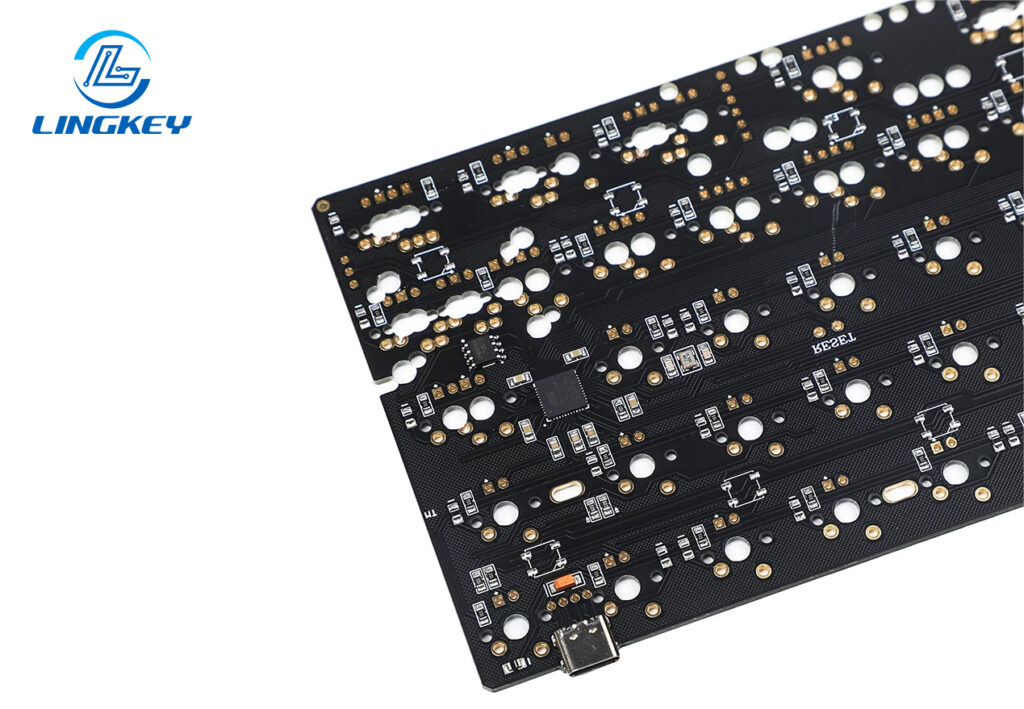
Selecting the ideal PCB means considering compatibility, feature set, and brand reputation. Here are the top picks this year:
Model | Layout(s) Supported | Hot-Swap | Programmability | Unique Features |
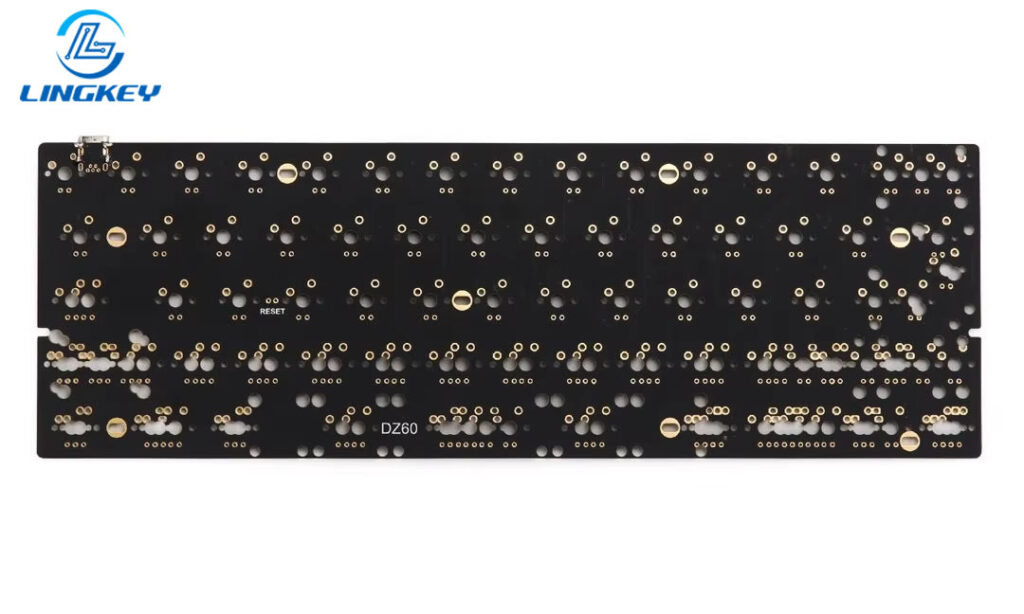
DZ60 | 60% | Yes | QMK/VIA | RGB underglow, flexible layouts |
GK68XS | 65% | Yes | QMK/VIA | Bluetooth support, compact design |
Bakeneko65 | 65% | Yes | VIA | Soft mount, enthusiast favorite |
Tofu65 | 65% | No | QMK | Soldered, premium build quality |
KBD67 MKII | 65% | Yes | QMK/VIA | South-facing RGB, solid metal case |
Keychron K8 | TKL | Yes | VIA | Multi-device wireless, Mac/Win |
Custom PCBs | Any (proprietary) | Varies | Varies | Full control for enthusiasts |
Where to Buy a Mechanical Keyboard PCB
Good quality sourcing means you can get good quality support if you need to replace a part or require help with troubleshooting. Trusted places include:
- KBDfans
- Keychron
- Drop
- LingKey(for custom and proprietary PCBs)
- Amazonand AliExpress (verify seller reputation and product reviews)
A large number of keyboard enthusiasts and custom builders also order PCBs straight from LingKey, a professional manufacturer of PCB and PCBA with stable copper control, accurate routing and reliable production for hot-swap and RGB supported layouts. Prototype production and tooling are available, thus enabling us to serve both the DIY hobbyist community and full OEM keyboard manufacturers.
When buying, always confirm:
- PCB compatibility with your intended case design and layout.
- Support for your desired switches (check “use 3-pin” or 5-pin compatibility), RGB features, and firmware options.
- The warranty or return policy for peace of mind.
Mechanical Keyboard PCB Maintenance and Troubleshooting
Good from care up the life of your keyboard and every mechanical keyboard performs for years.
- Regular inspection: Especially after heavy typing or gaming sessions, make sure all keys register and sockets are clean.
- Signal integrity checks: If you experience double presses or dead keys, inspect traces for corrosion and retouch solder on suspect points.
- Firmware refresh: Re-flash QMK or VIA if you run into random errors or unexpected key behavior.
Related Accessories and Parts
Optimize your build with these essential accessories:
- Keycap sets:Select compatible profiles and materials to match your typing or gaming style.
- Stabilizers:Enhance the feel of larger keys—choose PCB or plate-mounted per your build.
- Cables and connectors:Upgrade to custom coiled or braided USB cables for better looks and durability.
- Microcontroller upgrades:Advanced users can flash alternative firmwares for specialized workflows or gaming macros.
Frequently Asked Questions
What’s the difference between a PCB and a PCBA?
Can I use 3-pin switches on any PCB?
Do all PCBs support programmability?
Is a custom PCB worth it for a specialized keyboard?
How does PCB thickness impact feel?
Mounting Technologies and Mechanical Integration
The manner in which your PCB fits within the case and other keyboard components greatly affects the sound and feel. Key options include:
- Plate-mounted switches:Provide uniform keypress feel and are favored by gaming keyboards.
- PCB-mounted switches:Allow more flexible builds and are preferred for DIY projects.
- Gasket/foam mounting:Newer custom PCB setups use silicone or foam layers between case and PCB for improved vibration dampening and sound tuning.
PCB Comparison and Selection Criteria
Before you decide, review this checklist:
- Does the PCB match your case and layout and support your desired switches?
- Can you personalize every aspect—keymap, lighting, macros—with QMK/VIA or another firmware?
- Are manufacturing processes reputable so that advanced circuit features and signal integrity are assured?
- Do you want to use hot-swap sockets for easy switch testing, or prefer old-school soldered for long-term reliability?
Conclusion
When it comes to customization options, the mechanical keyboard pcb is at the heart of it all. Knowing PCB Technology helps you to choose the correct base for your needs be you building a customized work horse for writing a speedy gaming keyboard or a specialty keyboard for programming and artistry.
PCBA Service For builders looking for dependable manufacturing partners, LingKey Provides high precision PCB manufacturing, comprehensive PCBA services and customized keyboard PCB production – from prototype design to mass production gaming keyboards.
Every mechanical keyboard you build or buy requires a sturdy PCB — the unsung hero that determines layout, reliability, tactile feedback, and programmability. Armed with the knowledge from this ultimate guide, you are now prepared to review, select and maintain the best PCB for your upcoming project.